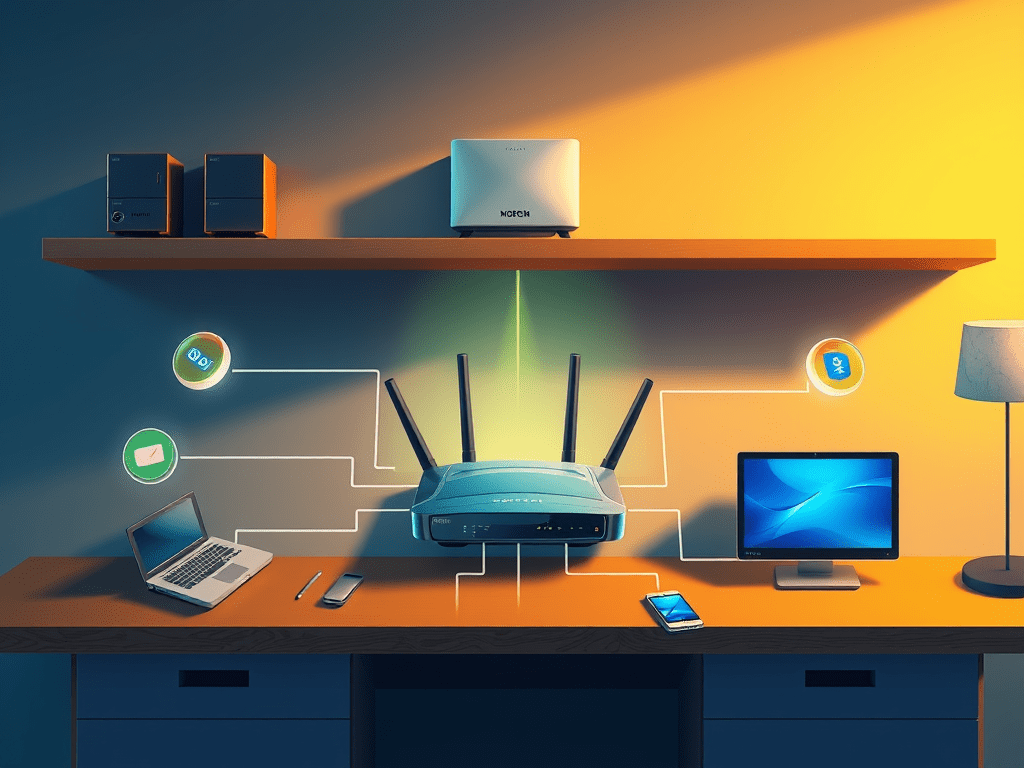
One of the best starting points for anyone learning IT support is to draw or describe their own network. Whether at home or in the office, most networks are built on the same building blocks: a modem, a router, and the devices that connect to them. Understanding how those parts fit together makes it much easier to troubleshoot issues and explain them to others.
Why Map Your Network
- It gives clarity. You can see how the internet flows from your provider to your devices.
- It helps troubleshooting. When something breaks, you’ll know where to check first.
- It connects theory to practice. You can apply what you’ve learned in networking basics to real life.
The Core Pieces
- Modem – Connects your space to your Internet Service Provider (ISP). Think of it as the entry point to the internet.
- Router – Shares that connection with all your devices, either through Ethernet cables or Wi-Fi.
- Devices – Everything that connects: laptops, desktops, smartphones, printers, smart TVs, and more.
Some setups use a single box that acts as both a modem and a router, especially if it’s provided by your ISP. In business networks, you’ll often see more equipment added, like firewalls, switches, and access points.
Example Network Layout
Here’s a simple layout of a typical home network:
Internet (ISP)
|
[Modem]
|
[Router]
/ | \
Laptop Smartphone Smart TV
Activity: Map Your Network
- Start at the wall where the internet enters your home or office.
- Add your modem.
- Add your router, and note if it’s combined with the modem.
- List or draw each device that connects, marking whether it uses Wi-Fi or Ethernet.
Reflection
Once you’ve mapped your network, ask yourself:
- Which devices connect over Wi-Fi and which use Ethernet?
- Where might problems occur if the internet goes down?
- Are there older devices that might be slowing things down?
By creating a simple diagram or description of your own setup, you’ve practiced a foundational IT skill: breaking down a system into components and understanding how they work together.
 RiseWithTech
Leave a comment