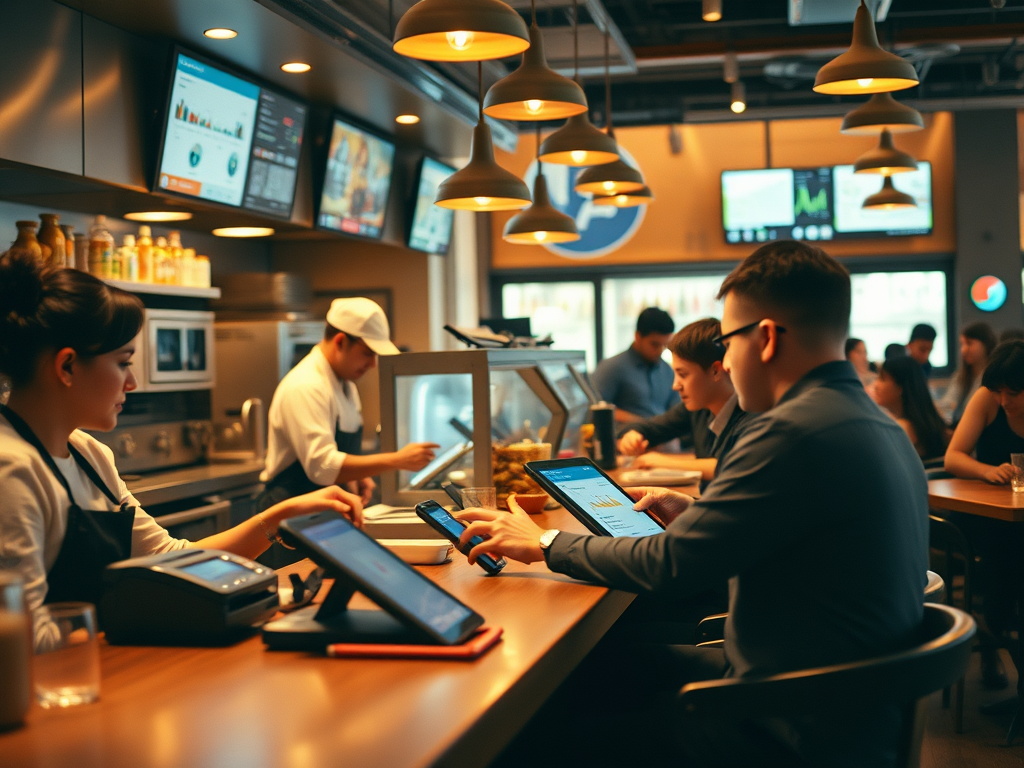
What System Integration Means
By now, you’ve built your foundation: you understand the four pillars of restaurant systems, and you’ve seen how the POS serves as the system core.
Now we move to the next layer — integration — the hidden web of data connections that keeps every system in sync. Every restaurant depends on more than one system to function. The POS doesn’t stand alone; it constantly exchanges information with the kitchen, payroll, vendors, and finance. When those integrations run smoothly, the business feels effortless. When they fail, everything stops.
1. What Is a System Integration?
A system integration is the process that connects one software or hardware system to another so that they can exchange data.
For restaurants, this often means:
- Orders entered in the POS are automatically sent to the kitchen display system (KDS).
- Sales and labor data are exported to the back office for analysis.
- Inventory systems receive item-level sales to calculate usage.
- Accounting and payroll systems pull data nightly to keep books balanced.
Integrations are like digital highways — information flows back and forth without anyone having to manually move it.
When these highways are built and maintained well, restaurant teams can focus on service instead of spreadsheets.
2. Why Integration Matters
Without integration, restaurants would waste hours each day reconciling data by hand.
Integrations:
- Save time by automating data transfer.
- Reduce errors by removing manual entry.
- Increase visibility by giving leadership real-time insights.
- Support scalability — allowing one manager to oversee multiple locations efficiently.
Well-managed integrations keep information flowing smoothly between the dining room, the kitchen, and the boardroom.
3. The Four Pillars at Work Again
Just like before, integration connects People, Process, Technology, and Data — but now across multiple systems.
| Pillar | In Integration Context |
| People | Managers, IT staff, and vendors responsible for maintaining and monitoring connections. |
| Process | The workflow that defines when and how data moves between systems (e.g., nightly exports, API syncs). |
| Technology | The systems themselves — POS, KDS, payroll, vendor, and reporting tools — linked through file transfers or APIs. |
| Data | The actual information being shared — sales, labor, menu, inventory, or customer data. |
If one pillar fails — say, an outdated process or a missing file — the entire integration chain can break.
4. The Three Levels of Integration
Not all integrations are created equal.
Restaurant technology usually involves three levels:
- Manual: Someone exports a file from one system and uploads it into another (like downloading a CSV from the POS).
- Automated File Transfer: Systems send data through scheduled jobs or secure transfers (like FTP or API calls).
- Real-Time API Integration: Systems communicate instantly — for example, online orders flowing directly into the POS.
Each level has trade-offs between cost, speed, and reliability.
Part of a systems manager’s role is knowing which level fits the organization’s needs and infrastructure.
5. Integration as an Ongoing Relationship
Integration isn’t a one-time setup — it’s a relationship.
Systems change, data formats evolve, and restaurant needs grow.
That means integrations must be monitored, tested, and updated regularly.
A strong systems manager:
- Documents every connection.
- Defines who owns each data flow.
- Tracks when and how data transfers happen.
- Builds alerts for when something fails.
Without ongoing care, even the best integration will eventually break down.
6. Preparing for the Next Step
In the next two lessons, you’ll:
- Part 2: Explore the most common restaurant integrations — POS, KDS, payroll, vendor, and accounting systems — and how they interact.
- Part 3: Build your own System Integration Flow Diagram, showing how data moves between five systems in a connected restaurant environment.
Reflection Questions
- Which systems in a restaurant do you think depend most on integration?
- What’s one example of an integration you’ve seen or used (even outside restaurants)?
- Why do you think integration failures can impact guest experience, not just back-office tasks?
 RiseWithTech
Leave a comment