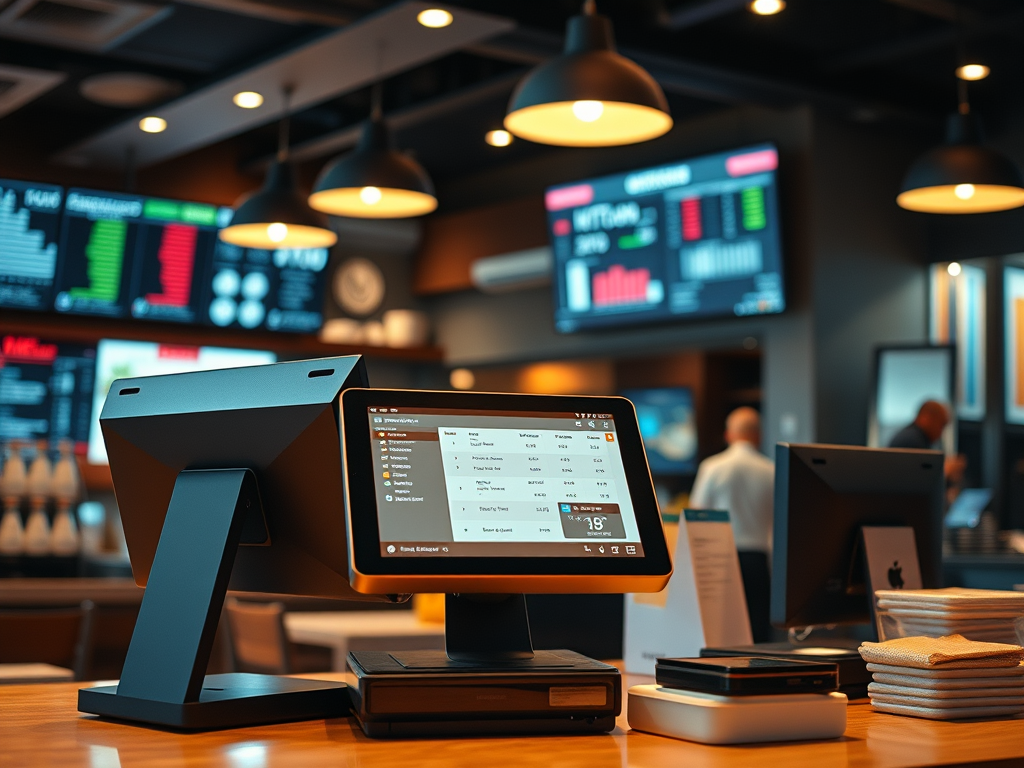
Common Restaurant System Connections
In Part 1, you learned that integration is what keeps restaurant systems connected — the digital highways that move data between platforms. Now, let’s explore what those connections look like in practice. Every restaurant has its own mix of systems, but most rely on a core group that must share information daily: POS, Kitchen Systems, Back-Office, Payroll, Vendor, and Accounting. Understanding how these systems interact is essential for keeping operations smooth, data accurate, and leadership informed.
1. The POS as the Source of Truth
Everything starts with the Point-of-Sale (POS).
It’s where every transaction originates — capturing menu items, modifiers, payments, and employee activity.
From there, the POS sends data to:
- The Kitchen Display System (KDS) to route orders to the right prep stations.
- The Back-Office System for reporting and analysis.
- The Accounting Platform for daily sales journal entries.
- The Payroll or Labor System for timekeeping and wage tracking.
- The Vendor or Inventory System for ingredient usage and cost control.
If the POS is the “source of truth,” integrations are the pathways that distribute that truth throughout the organization.
2. Kitchen Display Systems (KDS)
The KDS receives real-time information from the POS whenever an order is placed.
Its purpose is to:
- Display orders instantly by prep station.
- Track timing and fulfillment speed.
- Reduce paper waste from printed tickets.
Integration focus: The POS must send item data, modifiers, and order timing to the KDS correctly — or the kitchen workflow will break.
If integration fails, cooks may never see the order, leading to delays or missed tickets.
3. Back-Office Systems
Back-office systems act as the operational dashboard of the restaurant.
They handle tasks like:
- Labor management and scheduling.
- Sales and margin analysis.
- Forecasting and inventory tracking.
These systems rely on nightly POS exports or automated data feeds to stay up to date.
Without integration, managers would have to manually enter numbers every day — a time-consuming and error-prone process.
Integration focus:
POS → Back Office data usually includes:
- Sales totals by item, category, and daypart.
- Labor hours and employee punches.
- Discounts, voids, and promotions.
- Tax and tender details.
4. Payroll and Workforce Systems
Labor data moves from the POS into payroll systems like UKG, ADP, or Paycom.
This integration ensures that every clock-in, clock-out, and pay rate syncs correctly before payroll runs.
Integration focus:
- Data flows POS → Payroll via secure file transfers or APIs.
- Errors often occur if employee IDs or job codes don’t match.
- Once validated, payroll uses the data to calculate wages and export labor costs back to finance.
This integration keeps teams paid correctly and maintains compliance with wage laws — a critical responsibility for any restaurant system manager.
5. Vendor and Inventory Systems
Vendor systems — such as inventory management or purchasing tools — connect sales data with product usage.
When an item sells in the POS, the integration tells the vendor or back-office system to reduce inventory counts.
Integration focus:
- POS sends item-level sales data.
- Vendor system adjusts stock, calculates food cost, and triggers replenishment orders.
- Weekly reports reconcile purchases vs. sales.
When this integration works, waste drops, and purchasing stays accurate.
When it fails, you see shortages, overordering, or mismatched food cost data.
6. Accounting and Finance Systems
Finally, the POS pushes its data to accounting software (like Sage, QuickBooks, or proprietary enterprise systems).
This integration is usually daily and handles:
- Sales summaries.
- Tax breakdowns.
- Payment methods.
- Labor expenses.
Integration focus:
- POS → Accounting data moves through automated exports or data feeds.
- Each day’s sales are journaled and posted to the general ledger.
- Any interruption delays financial reporting and reconciliation.
For most restaurant brands, this integration is the single most financially sensitive data flow in the organization.
7. The Big Picture: One Continuous Loop
When these integrations work together, they create one continuous cycle of restaurant information:
POS → KDS → Back Office → Payroll → Vendor → Accounting → Leadership Reporting
Data enters at the POS and travels through every department — operations, finance, HR, and supply chain — before returning as insights for better decision-making.
A systems manager’s job is to keep this loop unbroken:
Monitor it, document it, and repair it before anyone in the restaurant even notices an issue.
8. Preparing for the Next Step
Now that you know how these systems interact, you’re ready to visualize your own connected restaurant.
In the next article, you’ll:
- Identify at least five systems in a restaurant ecosystem.
- Draw arrows to show how data flows between them.
- Create your own System Integration Flow Diagram — your third major deliverable in this course.
Reflection Questions
- Which integration do you think causes the biggest issues when it fails — and why?
- Which systems in your restaurant or workplace depend most on accurate data flow?
- How might understanding integrations help you become more effective in tech support or management?
 RiseWithTech
Leave a comment