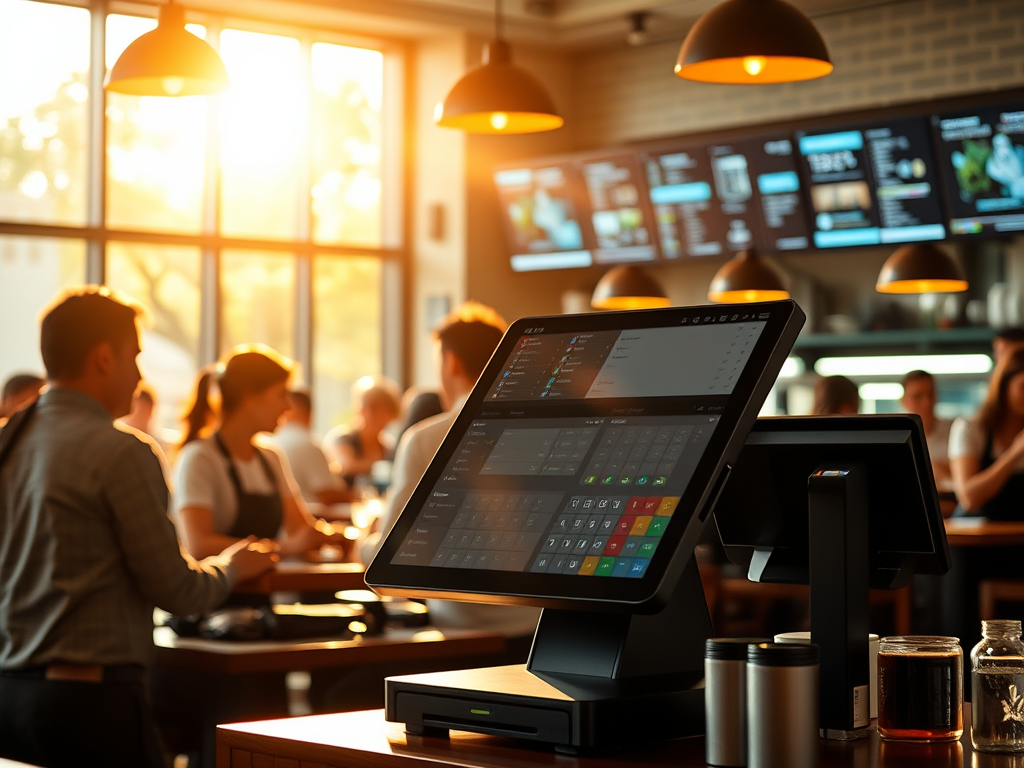
Every order, payment, and performance metric begins here. The POS doesn’t just ring up food; it powers communication between the front-of-house, kitchen, and back-office systems. It’s the digital heartbeat of daily operations.
When you understand how the POS connects people, process, technology, and data, you understand how the entire restaurant works.
1. What the POS Really Does
At first glance, the POS looks like a simple ordering screen. But beneath the surface, it’s a system that:
- Captures orders from guests and routes them to the kitchen.
- Tracks payments and ensures accurate financial reporting.
- Links labor data through time clocks and employee permissions.
- Connects menus and pricing across multiple locations.
- Feeds information to accounting, reporting, and vendor systems.
Think of it as a hub — everything either starts here or returns here.
2. The POS and the Four Pillars
The four pillars come alive inside the POS every minute of every shift:
| Pillar | How It Appears in the POS |
| People | Servers entering orders, managers approving comps, cashiers closing checks |
| Process | Step-by-step flow from taking an order to sending it to the kitchen to finalizing payment |
| Technology | POS terminals, handhelds, kitchen printers, kitchen display screens, online ordering integrations |
| Data | Sales totals, labor hours, item modifiers, menu mix, and financial exports |
Every tap, swipe, or approval inside the POS creates data that moves through these four pillars.
3. Why the POS Is Called the “System Core”
In most restaurants, if the POS goes down, the entire operation slows or stops.
That’s because the POS links people and process to technology and data — all four pillars meet in one place.
- A new menu item? Entered here.
- A labor policy update? Managed here.
- A pricing promotion? Activated here.
- A nightly sales summary? Generated here.
From a systems-management perspective, the POS is both a source and a destination — it sends data out and receives feedback in.
That’s why systems leaders often say:
“If it doesn’t happen in the POS, it didn’t happen in the restaurant.”
4. The POS as a Communication Bridge
The POS connects multiple worlds:
- Front-of-house → Kitchen: orders, modifiers, and timing.
- Kitchen → Back office: prep data, item counts, and waste tracking.
- Back office → Corporate: daily reports, labor compliance, and accounting feeds.
This constant communication loop means that one change — like updating a menu price — must travel through every layer.
Understanding that flow is what you’ll practice in this section’s deliverable: the POS Data Flow Document.
5. Preparing for the Next Step
Before you document how information flows through a POS, you first need to know its main functions and relationships.
That’s exactly what you’ll cover next.
- Part 2: You’ll break down the core functions of a POS — menus, pricing, labor, and reporting — and analyze how they connect.
- Part 3: You’ll trace a single menu update through the entire system, from entry to reporting, to create your POS Data Flow Document.
Reflection Questions
- When you think about a POS, which of the four pillars do you see most clearly — people, process, technology, or data?
- Have you ever experienced a POS outage? Which parts of the restaurant were affected first?
- Why do you think restaurants depend so heavily on the POS for accuracy and speed?
 RiseWithTech
Leave a comment