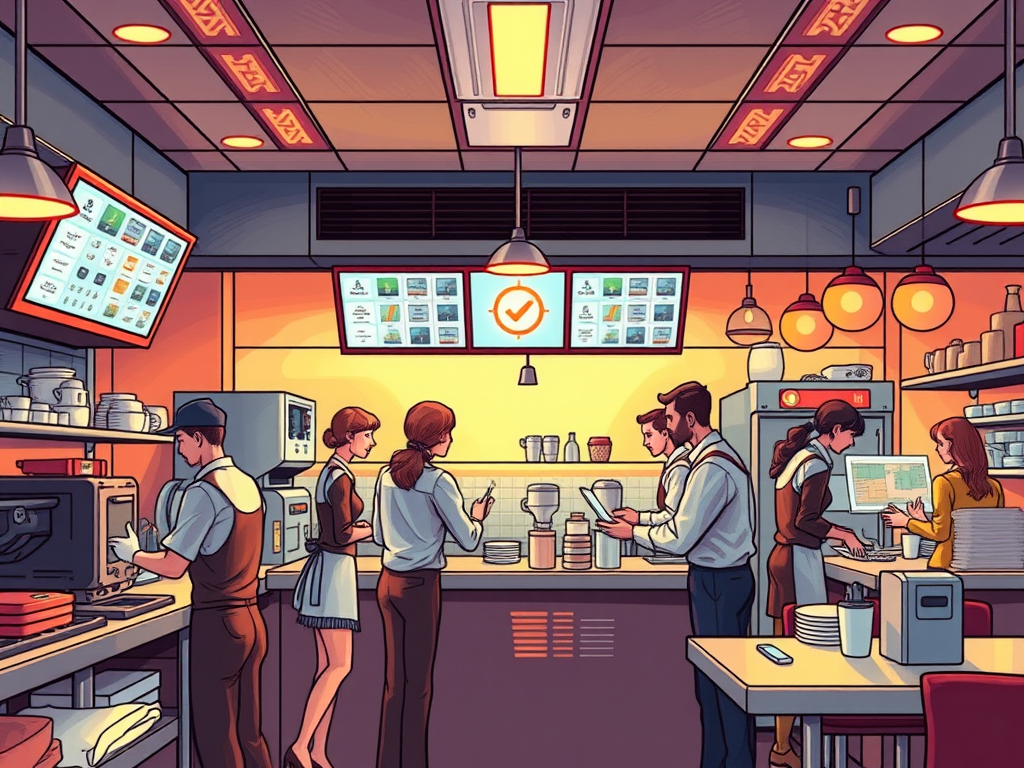
Restaurant technology never sleeps
POS terminals crash, kitchen printers jam, integrations fail, and data feeds get stuck. What separates a great systems manager from a frustrated one isn’t how often things go wrong — it’s how quickly and clearly they can respond, communicate, and improve.
This is where Support, Ticketing, and Quality Control come in — the invisible framework that keeps technology reliable, accurate, and trusted.
1. Why Support Matters
In restaurant operations, technology downtime equals lost revenue.
When a POS freezes or a data feed fails, orders can’t process, inventory skews, and service slows.
The support function ensures that:
- Issues are logged and tracked systematically.
- Problems are prioritized based on impact.
- Solutions are tested, documented, and shared.
- Recurring problems are analyzed, not ignored.
Without structured support, technology feels like chaos. With it, it becomes a consistent service that teams can rely on.
Support keeps systems running. Quality control keeps them trustworthy.
2. The Purpose of a Ticketing System
A ticketing system is a digital tool that records, assigns, and tracks technology issues until they’re resolved.
Think of it as the restaurant’s “to-do list with accountability.”
Each ticket represents:
- A problem (POS not printing, sync failure, report mismatch)
- A status (New → In Progress → Resolved → Closed)
- A responsible party (IT tech, vendor, or manager)
- A timeline and record of communication
When managed well, tickets become a source of operational truth.
They show patterns — like recurring issues, weak integrations, or stores needing extra training.
Good systems managers don’t just close tickets — they read them like stories about how the system behaves in real life.
3. The Connection Between Support and Quality
Support is about fixing what’s broken.
Quality Control (QA) is about preventing it from breaking again.
In restaurant systems management, QA involves:
- Testing menu and pricing updates before rollout.
- Verifying that integrations send complete, accurate data.
- Double-checking reports and exports for accuracy.
- Reviewing resolved tickets for recurring root causes.
Both functions depend on attention to detail and communication.
Support provides the feedback. QA applies the learning.
4. The Four Pillars in Support Operations
| Pillar | In the Support Context |
| People | Staff reporting issues, IT support agents, vendors resolving problems. |
| Process | The structured workflow for logging, triaging, and closing tickets. |
| Technology | The ticketing platform, monitoring tools, and integrated systems being supported. |
| Data | The ticket records themselves — a goldmine of patterns and process improvements. |
When all four pillars align, problems become insights.
When they don’t, issues repeat and morale declines.
5. The Lifecycle of an Issue
Most tickets move through these core stages:
- New — The issue is reported or detected.
- Acknowledged — Support confirms it’s been received and assigned.
- In Progress — Troubleshooting begins, with updates logged.
- Resolved — A fix is applied and tested successfully.
- Closed — The resolution is confirmed, and documentation updated.
It’s not enough to solve problems — you must track, record, and learn from them.
That’s how technical support becomes a driver of continuous improvement.
6. Preparing for the Next Step
In the next two lessons, you’ll:
- Part 2: Learn how to manage a support ticket from start to finish — including clear communication and documentation.
- Part 3: Create your own Incident Ticket Log, showing how you would track, troubleshoot, and close a real-world restaurant systems issue.
By mastering these steps, you’ll demonstrate that you can not only operate systems — you can lead them.
Reflection Questions
- Have you ever been part of a support situation that went well — or poorly? What made the difference?
- Why is documentation as important as the fix itself?
- How could a structured ticketing process improve teamwork between IT and operations?
 RiseWithTech
Leave a comment