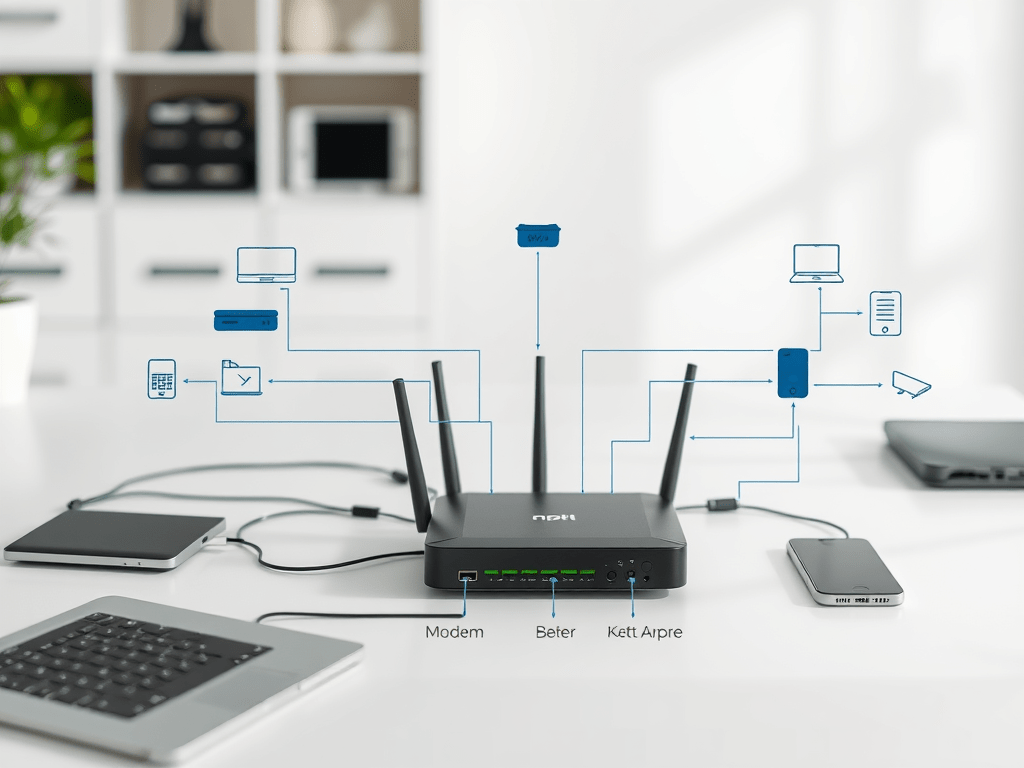
Networks connect everything—from your phone to cloud apps. In this module you’ll map a simple home/office network, test connectivity with core tools, and practice writing a clear help-desk response to a common problem. By the end, you’ll know how to reason from “Is the device up?” to “Where does the connection break?”
- Mapping Your Home or Office Network
- Testing Connectivity with Ping
- Tracing Your Network Path with Traceroute
- How to Troubleshoot: “I Can’t Access the Internet on My Laptop”
Tasks:
- Draw or describe your home/office network (modem → router → devices).
- Run ping on a common site (e.g., google.com) and screenshot results.
- Run tracert (Windows) or traceroute (Linux/Mac) and explain what you see.
- Write a troubleshooting response to: “I can’t access the internet on my laptop.”
Deliverable:
Add a “Networking” entry to your Knowledge Base with diagram, screenshots, and ticket response.
Additional links:
 RiseWithTech